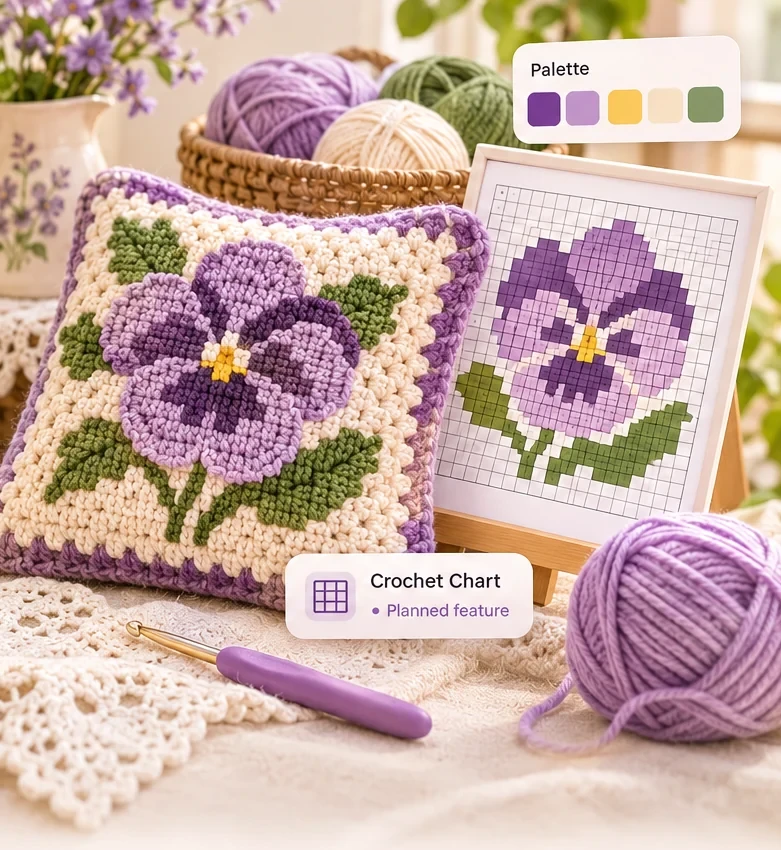
Photo magic
Photo to Crochet Chart
Turn a favorite picture into a colorful chart you can personalize.
In Studio
Original crochet chart motifs, friendly beginner guides and a sample chart you can paint right now. Stitchlume Studio is open in this browser.
A miniature taste of the editor we are building. Every square is one stitch block, read from the bottom row up.
This is a demo, not the pattern generator. It lives only in this browser tab. Nothing is saved, uploaded or exported.
A peek at the studio flow we are building. Each step is a planned feature.
Start with a favorite word, a simple shape or, later, a photo.
Planned featureShape the grid, choose a calm palette and refine every square.
Planned featureFollow the chart one colorful block and one row at a time.
Planned featurePhoto charts and corner-to-corner reading are in Stitchlume Studio. Turning text into a chart is not available yet.
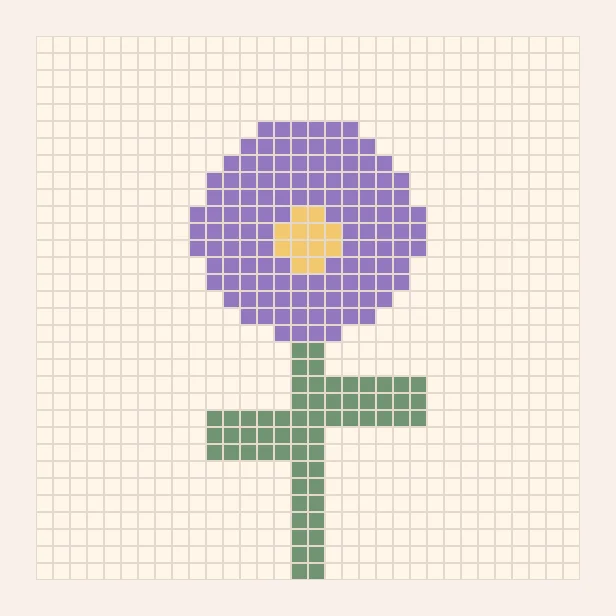
Turn a favorite picture into a colorful chart you can personalize.
In Studio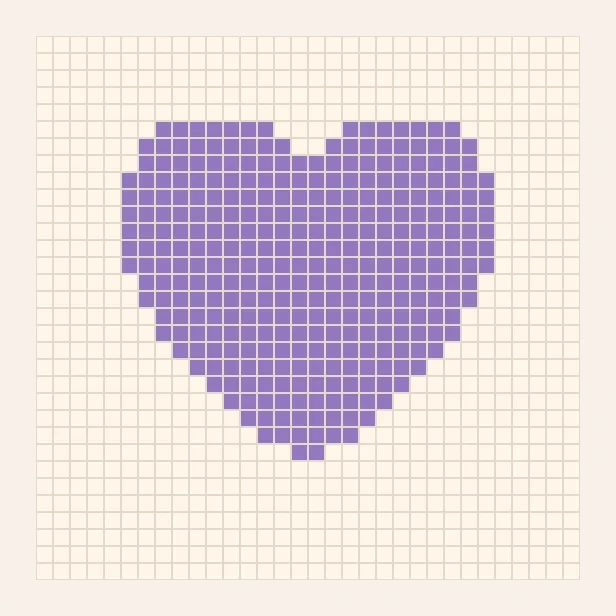
Shape your idea into a corner-to-corner chart, one diagonal at a time.
In Studio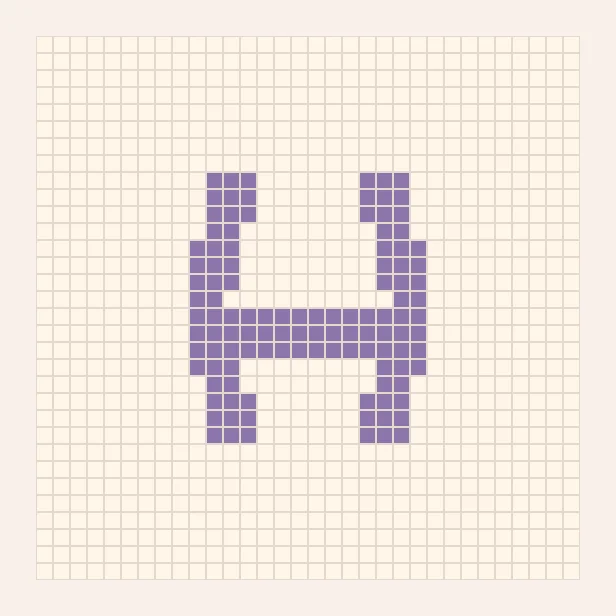
Make meaningful names, initials and words into something handmade.
Coming soonEight original motifs to spark your creativity. They are illustrative charts, not tested crochet instructions.
A calm, intuitive workspace for the whole journey, from the first idea to the very last row.
How a simple chart becomes something you can hold. The photos are a styled illustration, not a customer project.
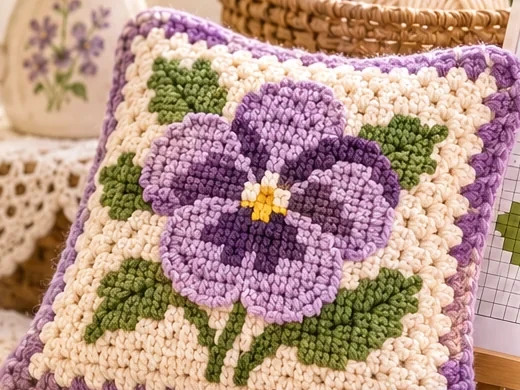
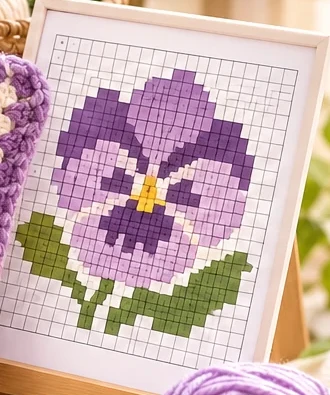 Step 1
Each square is one block. Start small with a motif you love.
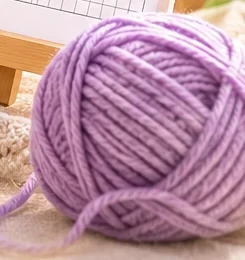 Step 2
Match every chart color to a yarn. Fewer colors mean calmer rows.
Work the rows corner to corner, counting squares as you go.
Every sample shows its grid size and how many yarn colors it uses.
Short notes on charts, sizes and colors, written for beginners.
No account needed, and the sample chart never leaves your browser tab.
Anything unfinished is clearly marked Coming soon. No surprises.
Four short, original reading notes for the little questions that come up along the way.
The shape, direction and rhythm of a corner-to-corner chart.
Read the guide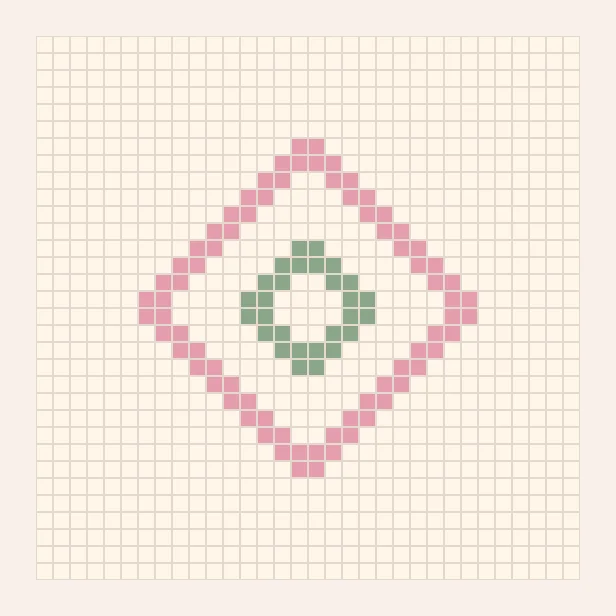
How grid dimensions and yarn weight change the finished piece.
Read the guideGroup colors and limit the palette for calmer rows.
Read the guideWhich pictures survive being turned into squares, and why.
Read the guideWhat you can expect from Stitchlume today, and what we are creating next.
Our beginner guides explain charts, sizes and colors in plain words.
Visit the guidesThe pattern gallery, the guides, and Stitchlume Studio are free to use in this browser. Yarn-brand matching, cloud sync, and stitch-by-stitch directions are not available.
No account is required to browse this site. We’ll explain any account requirements clearly if optional cloud features are introduced later.
Not yet. Photo-to-pattern conversion is a planned feature, and there is no photo upload on this website.
Not yet. The displayed sample motifs are visual inspiration, not tested crochet instructions or downloadable patterns.
It is a small interactive demo. You can paint squares, undo and reset, but nothing is saved, exported or turned into written instructions. It runs only in your current browser tab.
We are designing the future studio for mobile and desktop. Supported devices will be confirmed once the tool is tested.
For the joy of making, one little square at a time.